
Lumin Chrome Extension Analysis
Automation & Workflow EfficiencyStore listing title: Lumin: PDF Editor, Edit, Sign, Merge, Share and Print PDFs
Chrome extension ID: dbkidnlfklnjanneifjjojofckpcogcl
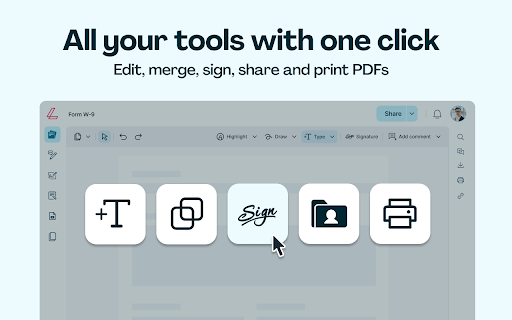
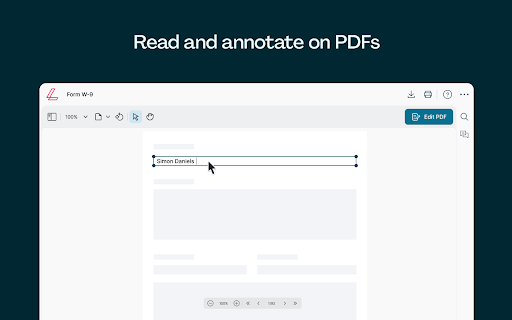
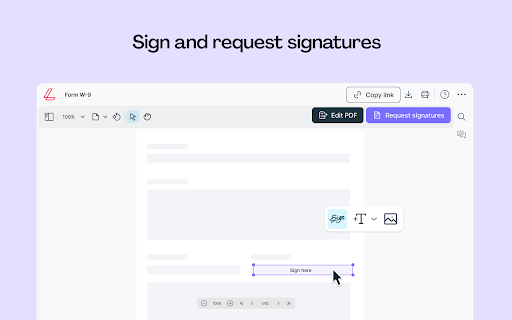
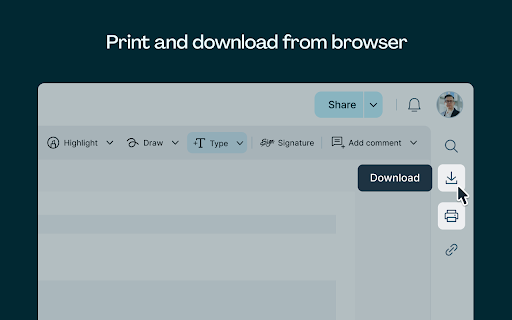
A productivity extension that enables users to view, edit, annotate, and sign PDF documents within Chrome. The tool includes features for merging, compressing, and converting files between various formats.
Overview
Installs
100K+
Rating
★ 3.6
9,041 reviews
Languages
1 locales
Includes English
Market analysis
Review-backed positioning, friction, and market signals for this Chrome extension.
Macro category
Automation & Workflow Efficiency
Pricing friction
High review signal
Complaint intensity
High review signal
Listing positioning
Lumin positions itself as a comprehensive PDF workspace that integrates directly into the Chrome browser. It offers a tiered functionality model where basic annotation is available without an account, while advanced tools like conversion and redaction require an account or subscription.
Inferred product pattern
A high-volume productivity utility utilizing a freemium model that faces significant user backlash due to subscription management issues and technical instability.
Review-backed pain points
Users report severe frustration with automatic billing, unresponsive text fields, signature functionality that fails to save, and unexpected formatting changes upon downloading documents.
Observed feature gaps
Reviews suggest a discrepancy between the advertised free experience and the actual ability to perform essential tasks like saving or printing without a paid subscription.
- Students
- Administrative Professionals
- Remote Workers
- Annotating PDF documents
- Signing electronic forms
- Converting PDFs to Office formats
- Clean PDF editing for official use
- Convenient Google Drive integration
- Difficult subscription cancellation processes
- Technical bugs with text boxes and signatures
- Document layout corruption during download/print
- Significant data security concerns
- Data loss after software updates
- Payment required for meaningful usage
- Free-tier complaints detected
- Refund complaints detected
- Performance complaints detected
- Privacy complaints detected
- High friction regarding billing; users report difficulty canceling subscriptions and unexpected automatic deductions.
Support
Users describe support as unresponsive or unhelpful regarding billing disputes and technical failures.
Reliability
Significant reliability issues including broken text boxes, failed signature applications, and document layout corruption.
Privacy
Reviews highlight a historical large-scale data breach involving millions of user records.
- Free entry with paid features
- Login needed for core features
- Trial or limited free usage before paid plan
Store listing facts
- Screenshots: 5
- Videos: 0
- Languages: 1
- Privacy policy
- Developer contact
- Official website
- Support link
- Version: 6.1.0
- Size: 22.75MiB
- Last updated:
Listing SEO keywords
Core discovery
Comparison
Problem
Alternative
Similar extensions
Jump to related discovery paths:
FAQ
Screenshots
Links
Website: luminpdf.com
Privacy policy: https://www.luminpdf.com/privacy-policy/
Support links: https://help.luminpdf.com