Weather Chrome Extension Analysis
Niche Lifestyle & Gaming HacksChrome extension ID: iolcbmjhmpdheggkocibajddahbeiglb
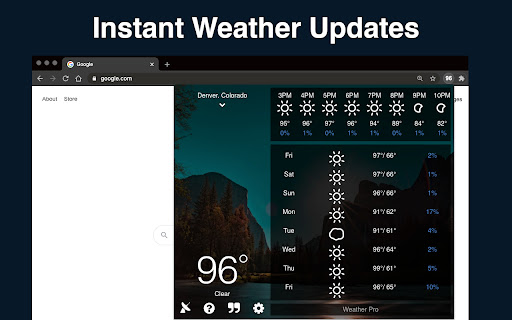
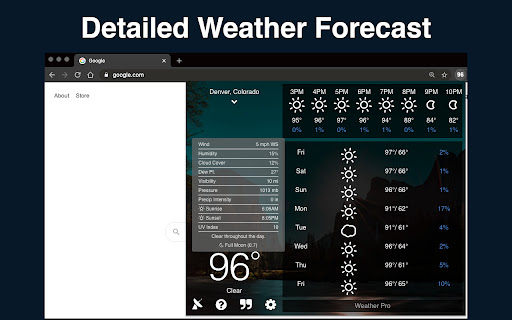
Weather is a browser-based utility that provides users with instant access to local weather forecasts and severe weather alerts. It displays the current temperature directly on the extension icon in the toolbar, allowing users to check conditions without opening a separate tab.
Overview
Installs
100K+
Rating
★ 2.9
6,430 reviews
Languages
1 locales
Includes English
Market analysis
Review-backed positioning, friction, and market signals for this Chrome extension.
Macro category
Niche Lifestyle & Gaming Hacks
Pricing friction
Moderate review signal
Complaint intensity
High review signal
Listing positioning
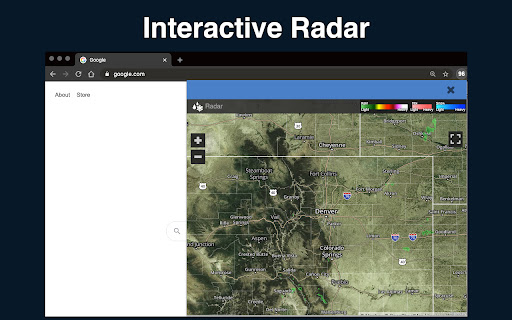
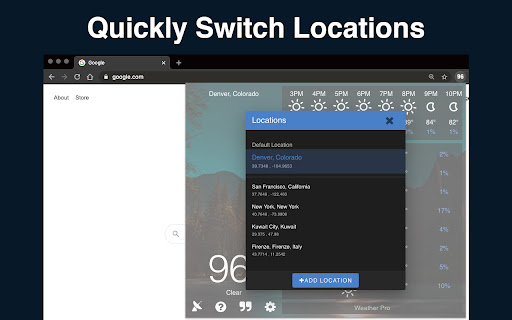
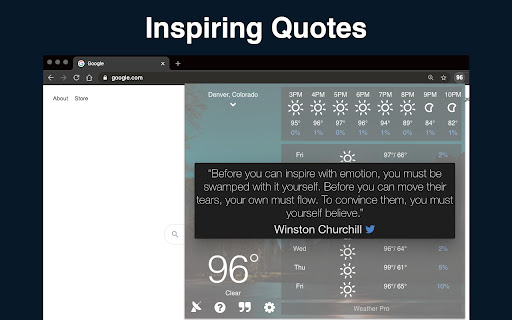
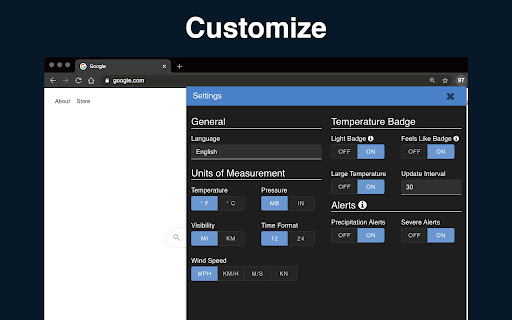
The store listing positions 'Weather' as an effortless and highly customizable way to view forecasts directly inside the browser. It highlights core convenience features like real-time toolbar temperature updates, multiple meteorological data sources, and cross-device settings sync.
Inferred product pattern
A utility-centric browser toolbar widget monetized through locked customization features, occasionally utilizing cross-promotion redirects to drive traffic to affiliate extensions.
Review-backed pain points
Users report frustration over basic cosmetic features—such as changing the toolbar font color to white to support dark mode—being restricted to the paid tier. Additionally, multiple users experienced unexpected browser tabs opening to promote a third-party extension (MaxAI.me), which they characterized as spam or a breach of trust.
Observed feature gaps
Reviews reveal a lack of multi-browser support for Pro licenses, forcing users to buy separate licenses for different devices. There is also a reported lack of a free trial period for Pro features and occasional sync issues where the toolbar temperature fails to match the actual forecast until clicked.
- General internet users seeking quick weather updates
- Users who want passive temperature monitoring via the browser toolbar
- Checking current outdoor temperature and hourly forecasts
- Receiving severe weather and precipitation alerts directly in-browser
- Intuitive and minimalist user interface
- Convenient temperature preview on hover
- Reliable performance over years of use for upgraded users
- Aggressive paywalling of basic features like text color and dark mode
- In-browser spam redirects promoting third-party extensions
- Strict single-browser licensing limits for Pro users
- Free-tier complaints detected
- Performance complaints detected
- Privacy complaints detected
- Users express significant friction regarding the Pro upgrade, noting that even minor custom styling like changing text color for dark themes or using the license on more than one browser requires payment.
Support
While direct support complaints are minimal, users complain about the rigid license policy that does not allow a single Pro key to be activated across multiple browsers.
Reliability
Some users experience issues with the toolbar temperature display falling out of sync until manually clicked, while a historical review mentioned a browser crash on Windows.
Privacy
A surge of negative reviews highlights a major trust issue where the extension automatically opened promotional tabs for 'maxai.me' without user consent, leading to concerns about adware or unauthorized behavior.
- Free entry with paid features
- No account requirement observed
- Limited free usage observed
Store listing facts
- Screenshots: 6
- Videos: 1
- Languages: 1
- Privacy policy
- Developer contact
- Official website
- Support link
- Version: 6.0.15
- Size: 10.77MiB
- Last updated:
Listing SEO keywords
Core discovery
Comparison
Problem
Alternative
Similar extensions
Jump to related discovery paths:
FAQ
Screenshots
Links
Website: weatherextension.com
Privacy policy: https://t.ly/privacy
Support links: https://timleland.com/weather-extension-faq/
Videos: Watch