

SEI Pro Chrome Extension Analysis
Automation & Workflow EfficiencyChrome extension ID: pdbbapplhjopafpgidbgceccbbmehcjj
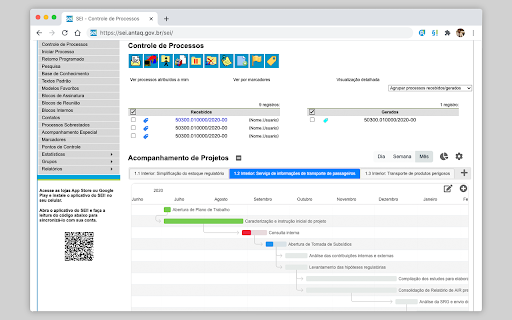
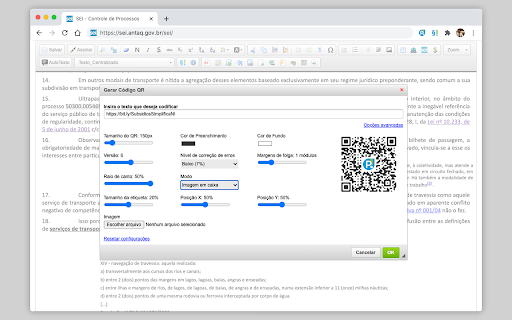
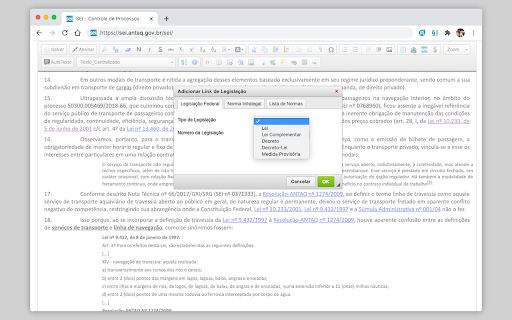
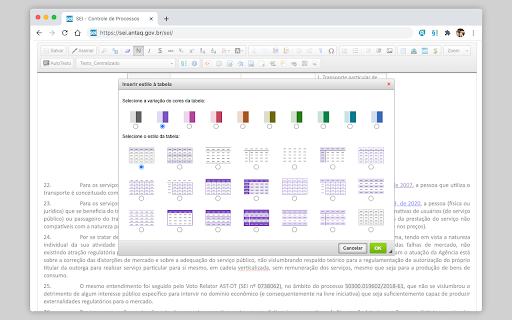
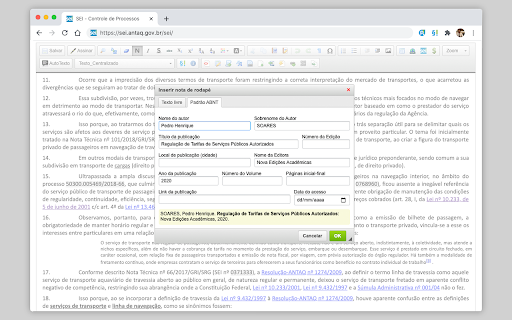
A Chrome extension that enhances the SEI platform with features like dark mode, process grouping, batch document actions, and an advanced text editor. It integrates AI tools and productivity shortcuts to streamline public administration tasks.
Overview
Installs
200K+
Rating
★ 4.3
194 reviews
Languages
1 locales
Includes português (Brasil)
Market analysis
Review-backed positioning, friction, and market signals for this Chrome extension.
Macro category
Automation & Workflow Efficiency
Pricing friction
Low review signal
Complaint intensity
Moderate review signal
Listing positioning
Positions itself as a comprehensive power-user tool for the Sistema Eletrônico de Informações (SEI). It emphasizes adding advanced organizational, editing, and automation capabilities to a standard government administrative system.
Inferred product pattern
UX/UI overlay and utility wrapper for a legacy government administrative system.
Review-backed pain points
Users report significant frustration when SEI system updates render the extension non-functional. There are also complaints regarding UI elements (like search bars) overlapping other functions and stability issues that force frequent re-logins.
Observed feature gaps
Missing specific search behaviors present in older extensions (e.g., SEI++) and the inability to specify document types during batch external uploads.
- Government employees
- Public administration officials
- Legal professionals using SEI
- Managing high volumes of electronic processes
- Advanced document drafting and formatting
- Workflow organization using markers and deadlines
- High potential for productivity
- Comprehensive feature set
- UI/UX bugs and overlapping elements
- Breakage following SEI system updates
- Performance instability and login loops
- Failure of batch action features
- Performance complaints detected
- No pricing friction mentioned in review samples.
Support
Users express frustration that bugs persist, though no specific support tickets or response times were cited.
Reliability
Frequent reports of the extension breaking after system updates and experiencing general instability that hinders work dynamics.
Privacy
No privacy complaints observed in samples.
- No clear monetization signal
- No account requirement observed
- No clear pricing signal
Store listing facts
- Screenshots: 5
- Videos: 1
- Languages: 1
- Privacy policy
- Developer contact
- Official website
- Support link
- Version: 1.6.11
- Size: 10.21MiB
- Last updated:
Listing SEO keywords
Core discovery
Comparison
Problem
Alternative
Similar extensions
Jump to related discovery paths:
FAQ
Screenshots
Links
Website: sei-pro.github.io
Privacy policy: https://sei-pro.github.io/sei-pro/PRIVACY_POLICY.html
Support links: https://github.com/SEI-Pro/sei-pro/issues
Videos: Watch