
classroom.cloud Student Chrome Extension Analysis
Automation & Workflow EfficiencyChrome extension ID: mpkdoimpgkhjcicmhmlmgboelebflpla
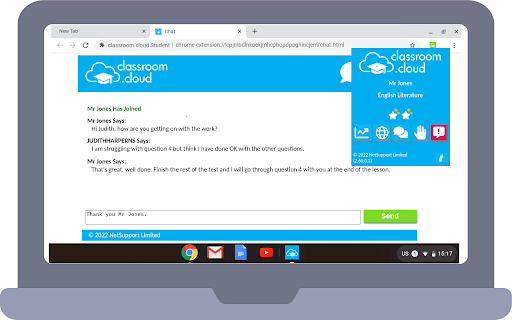
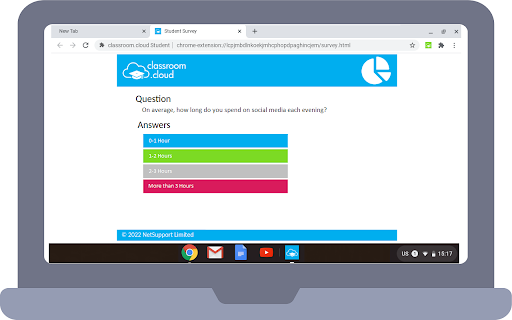
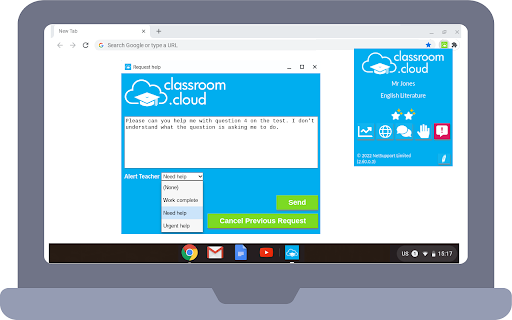
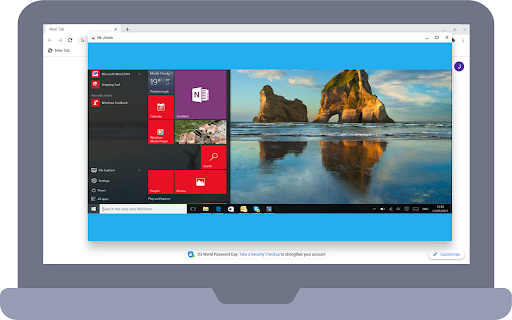
This extension acts as a client-side agent for school-managed devices, allowing teachers to monitor screens, block websites, broadcast content, and enforce acceptable use policies. It is intended for school-wide deployment via the Google Admin Console to facilitate classroom control and IT maintenance.
Overview
Installs
100K+
Rating
★ 1.5
198 reviews
Languages
24 locales
Includes Deutsch, English, Melayu, Nederlands...
Market analysis
Review-backed positioning, friction, and market signals for this Chrome extension.
Macro category
Automation & Workflow Efficiency
Pricing friction
Moderate review signal
Complaint intensity
High review signal
Listing positioning
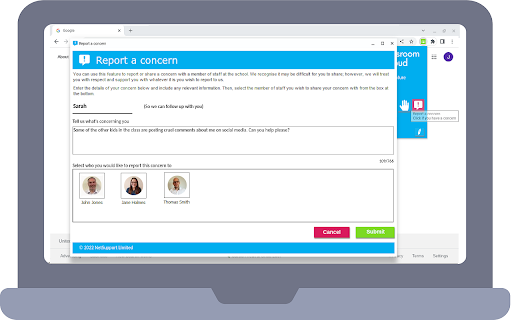
Classroom.cloud positions itself as a comprehensive, stress-free cloud-based tool for teachers and IT administrators to manage student devices. It emphasizes safeguarding, online safety monitoring, and instructional tools designed to keep students focused and protected in both physical and remote learning environments.
Inferred product pattern
Enterprise-grade MDM (Mobile Device Management) agent for education.
Review-backed pain points
Students report severe restrictions on device functionality, including blocks on system settings, file access, creative applications, and camera usage, which hinder their academic and personal productivity.
Observed feature gaps
Lack of granularity in user-facing controls and extreme over-blocking of standard device features, resulting in significant friction for legitimate student tasks.
- K-12 Teachers
- School IT Administrators
- Educational Institutions
- Classroom screen monitoring
- Website and application blocking
- Student safeguarding and keyword filtering
- Inventory and remote device auditing
- No positive themes identified in recent sample data.
- Extreme frustration with restrictive device lockdowns
- Inability to access creative tools/settings
- Perceived invasion of privacy
- Intrusive 'blue screen' UI interruptions
- General disdain for surveillance software
- Payment required for meaningful usage
- Performance complaints detected
- Privacy complaints detected
- No direct payment complaints from users, as this is an enterprise/B2B solution deployed by school administrators.
Support
Users express extreme hostility toward the software's existence and control mechanisms, characterizing it as oppressive surveillance.
Reliability
Users report that the 'blue screen' lockout mechanism interrupts tasks and causes device crashes.
Privacy
Significant concern regarding surveillance capabilities, specifically the ability for staff to access cameras and monitor private device activity.
- Enterprise pricing observed
- Account required for core usage
- Paid-only usage observed
Store listing facts
- Screenshots: 5
- Videos: 1
- Languages: 24
- Privacy policy
- Developer contact
- Support link
- Version: 3.10.0.0
- Size: 1.1MiB
- Last updated:
Listing SEO keywords
Core discovery
Comparison
Problem
Alternative
Similar extensions
Jump to related discovery paths:
FAQ
Screenshots
Links
Privacy policy: https://www.netsupportsoftware.com/privacy/
Support links: https://classroom.cloud/faqs
Videos: Watch