

Enhancer for YouTube™ Chrome Extension Analysis
Niche Lifestyle & Gaming HacksChrome extension ID: ponfpcnoihfmfllpaingbgckeeldkhle
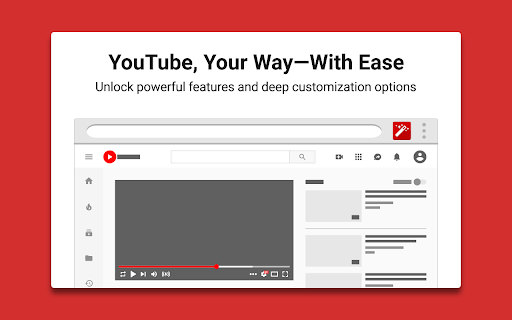
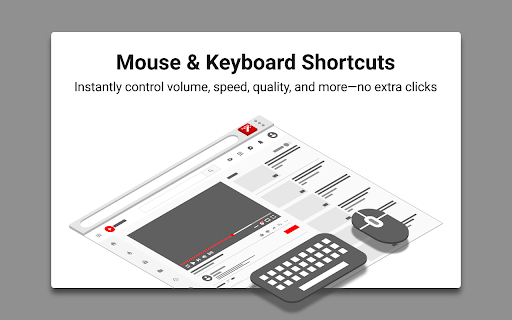
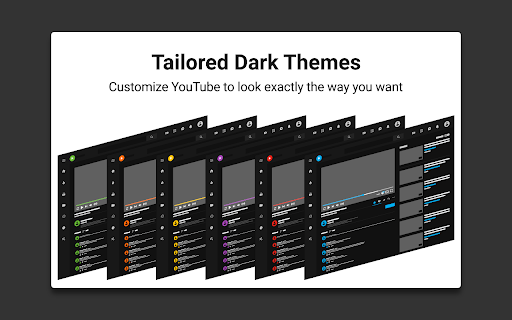
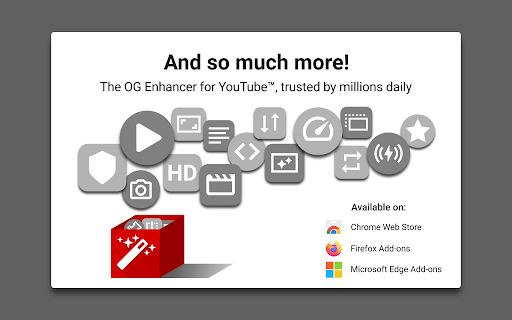
Enhancer for YouTube™ is a Chrome extension designed to customize and enhance the YouTube viewing experience. It offers features like granular control over video playback speed, quality, and volume, along with appearance modifications such as custom themes and an enhanced dark mode. The extension also includes tools for managing distractions, such as blocking shorts, end screens, and recommendations.
Overview
Installs
1.0M+
Rating
★ 4.7
17,335 reviews
Languages
45 locales
Includes Deutsch, English (United Kingdom), English (United States), Indonesia...
Market analysis
Review-backed positioning, friction, and market signals for this Chrome extension.
Macro category
Niche Lifestyle & Gaming Hacks
Pricing friction
Low review signal
Complaint intensity
High review signal
Listing positioning
The store listing positions Enhancer for YouTube™ as the 'ultimate tool' to supercharge the YouTube experience with highly customizable features. It emphasizes complete control over playback settings, appearance, and distraction management to tailor YouTube to individual needs, making it smoother and more enjoyable.
Inferred product pattern
A utility extension focused on providing extensive customization and control over the YouTube viewing experience, from playback parameters to UI appearance and distraction removal.
Review-backed pain points
Users experience significant frustration when core features unexpectedly break or become unreliable following YouTube updates, often rendering the extension almost unusable. Pain points include loss of expected functionality like pop-up player control, playback speed adjustments, and media key compatibility. There's also friction with UI customization, where settings may not persist or controls cannot be fully hidden, impacting the overall user experience.
Observed feature gaps
One observed feature gap is the lack of an option to 'Hide Watched Videos'. Additionally, some users desire the ability to completely disable custom controls or hide UI elements without a 'gray blob' remaining.
- Frequent YouTube viewers
- YouTube power users
- Users seeking personalized viewing experiences
- Individuals wanting to remove distractions from YouTube
- Adjusting video playback speed and quality
- Customizing YouTube's visual appearance and themes
- Blocking YouTube Shorts and other distracting UI elements
- Enhancing audio volume and looping specific video segments
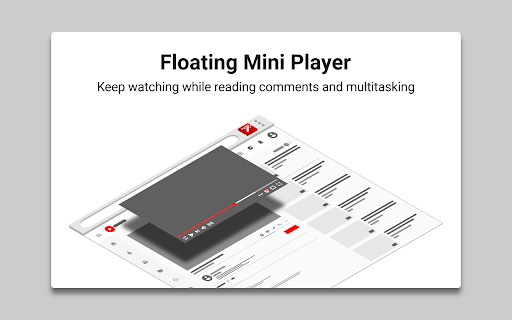
- Watching videos in mini or pop-up player modes
- Useful video filters for adjusting brightness, contrast, and color
- General practicality and indispensability for some users
- Features breaking or becoming unreliable after YouTube updates (e.g., pop-up player, playback speed with mouse wheel, media key pause, autoplay, cinema mode)
- Difficulty or increased setup required to block the new YouTube UI, with settings not saving in incognito mode
- Videos not loading or constantly showing 'content isn't available' after updates
- UI glitches such as unwanted gray blobs or white bands under the video player
- Performance complaints detected
- Pricing model is not mentioned in the listing or reviews, indicating no direct pricing friction complaints.
Support
Review-backed data on support or account issues is not available.
Reliability
There are recurring complaints about the extension's reliability, with multiple users reporting that features stop working (e.g., playback speed, autoplay, cinema mode, media keys) or cause videos to not load, especially after YouTube updates. The pop-up player is cited as 'almost unusable' due to random resets.
Privacy
Review-backed data on privacy or security issues is not available.
- No clear monetization signal
- No account requirement observed
- No clear pricing signal
Store listing facts
- Screenshots: 5
- Videos: 0
- Languages: 45
- Privacy policy
- Developer contact
- Official website
- Version: 3.0.17
- Size: 467KiB
- Last updated:
Listing SEO keywords
Core discovery
Comparison
Problem
Alternative
Similar extensions
Jump to related discovery paths:
FAQ
Screenshots
Links
Website: mrfdev.com
Privacy policy: https://www.mrfdev.com/privacy


