CSS Peeper Chrome Extension Analysis
Developer & Designer ToolsChrome extension ID: mbnbehikldjhnfehhnaidhjhoofhpehk
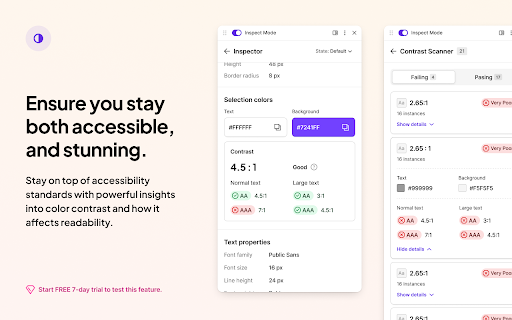
CSS Peeper is a Chrome extension that allows users to inspect a website's styles, including colors, typography, and assets. It offers free core inspection features and a premium tier for advanced CSS copying and accessibility scanning.
Overview
Installs
500K+
Rating
★ 4.1
472 reviews
Languages
1 locales
Includes English
Market analysis
Review-backed positioning, friction, and market signals for this Chrome extension.
Macro category
Developer & Designer Tools
Pricing friction
Moderate review signal
Complaint intensity
High review signal
Listing positioning
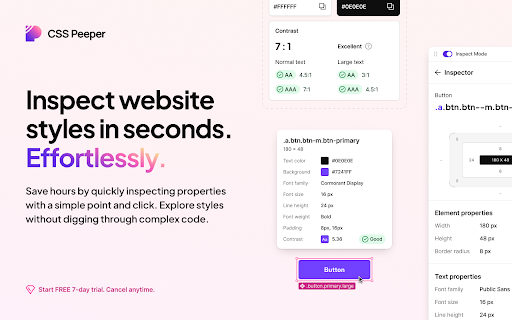
The product is positioned as a professional tool for designers and developers to extract design properties effortlessly. It emphasizes saving time by eliminating the need to dig through complex code via a point-and-click interface.
Inferred product pattern
Visual CSS inspection tool with a freemium model targeting the design-to-code workflow.
Review-backed pain points
Users report severe frustration with the trial period, claiming they are automatically charged for the most expensive plan without reminders and denied refunds. Other pain points include intrusive 'Donate' windows and potential security vulnerabilities.
Observed feature gaps
Inconsistent typography detection and a lack of export options (such as PDF or image) for color lists.
- Web Designers
- Frontend Developers
- UI/UX Designers
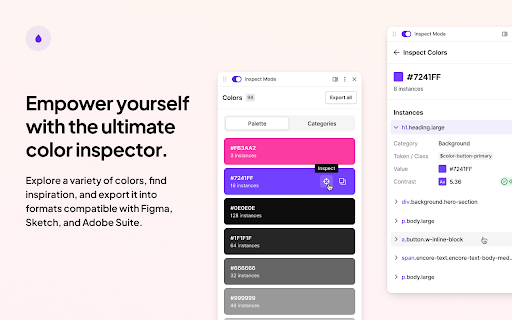
- Extracting color palettes from websites
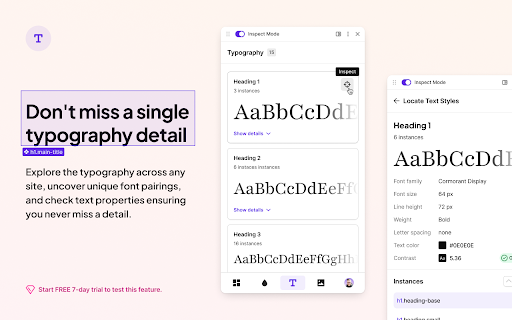
- Identifying typography and font pairings
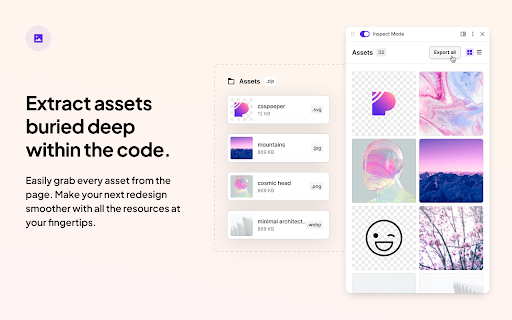
- Downloading website images and icons
- Inspecting CSS properties without using browser DevTools
No positive theme data.
- Aggressive trial billing and refund refusals
- Intrusive donate pop-ups
- Security and privacy concerns regarding CSP and localhost access
- Technical instability with sidebar and typography detection
- Free-tier complaints detected
- Refund complaints detected
- Performance complaints detected
- Privacy complaints detected
- High friction associated with the trial-to-paid conversion, specifically regarding automatic charges for high-tier plans and a perceived lack of transparency.
Support
Multiple reports of support refusing to issue refunds even when requested immediately after a trial charge.
Reliability
Reports of the sidebar menu failing to open and the typography detection feature failing to identify fonts on certain sites.
Privacy
Concerns raised about weak Content Security Policy (CSP) choices, access to localhost, and the risk of data exfiltration.
- Free entry with paid features
- No clear access signal
- Limited free usage observed
Store listing facts
- Screenshots: 5
- Videos: 1
- Languages: 1
- Privacy policy
- Developer contact
- Official website
- Support link
- Version: 1.2.2
- Size: 1.79MiB
- Last updated:
Listing SEO keywords
Core discovery
Comparison
Problem
Alternative
Similar extensions
Jump to related discovery paths:
FAQ
Screenshots
Links
Website: csspeeper.com
Privacy policy: https://csspeeper.com/privacy-policy
Support links: https://csspeeper.featurebase.app/en/help/articles/9571335-getting-started
Videos: Watch