Web Developer Chrome Extension Analysis
Developer & Designer ToolsChrome extension ID: bfbameneiokkgbdmiekhjnmfkcnldhhm
This tool adds a persistent toolbar to the browser, offering various diagnostic functions such as inspecting element outlines, managing cookies, and toggling JavaScript settings. It is designed to assist professionals in debugging and auditing web pages directly within the browser environment.
Overview
Installs
1.0M+
Rating
★ 4.5
2,829 reviews
Languages
1 locales
Includes English (United States)
Market analysis
Review-backed positioning, friction, and market signals for this Chrome extension.
Macro category
Developer & Designer Tools
Pricing friction
Low review signal
Complaint intensity
High review signal
Listing positioning
The Web Developer extension is positioned as a comprehensive toolbar providing a suite of specialized tools for web developers. It serves as an official Chrome port of the long-standing Firefox utility, focusing on enhancing browser capabilities for site inspection and development.
Inferred product pattern
Legacy browser utility transitioning from a trusted standard to one facing scrutiny due to modern browser security restrictions.
Review-backed pain points
Users report critical issues with the extension overriding browser security settings (notifications/JavaScript), sporadic functionality failure where tools fail to load, and concerns regarding account security after installation.
Observed feature gaps
Lack of granular control over permission overrides and intermittent technical failure of core inspection features on newer Chrome versions.
- Web Developers
- Front-end Engineers
- UI/UX Designers
- QA Testers
- Inspecting page element outlines
- Toggling JavaScript execution
- Managing browser cookies
- Analyzing page assets and structure
- Long-standing industry standard
- High utility for web auditing
- Feature-rich interface
- Overriding browser notification settings
- Security concerns regarding permissions
- Inconsistent performance with modern Chrome updates
- Intrusive behavior after updates
- Performance complaints detected
- Privacy complaints detected
- No pricing friction; the tool is free to use.
Support
Users are directed to the developer's official help site; some reviews express frustration regarding the lack of active maintenance for reported bugs.
Reliability
Several reports of tools hanging during use, failing to execute, or conflicting with native browser security settings.
Privacy
Strong complaints regarding forced notification permissions and perceived risks to account security via cookie access.
- Free usage observed
- No account requirement observed
- Free plan or free usage claimed
Store listing facts
- Screenshots: 5
- Videos: 0
- Languages: 1
- Privacy policy
- Developer contact
- Official website
- Support link
- Version: 3.0.1
- Size: 574KiB
- Last updated:
Listing SEO keywords
Core discovery
Comparison
Problem
Alternative
Similar extensions
Jump to related discovery paths:
FAQ
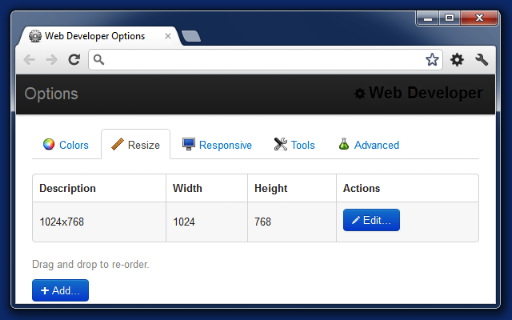
Screenshots
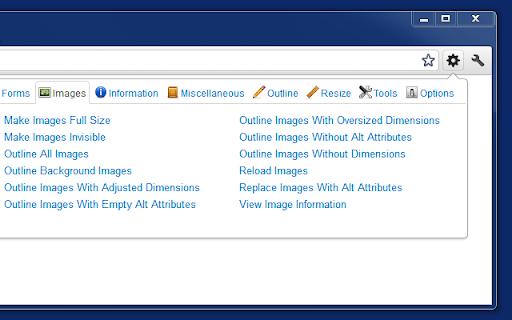
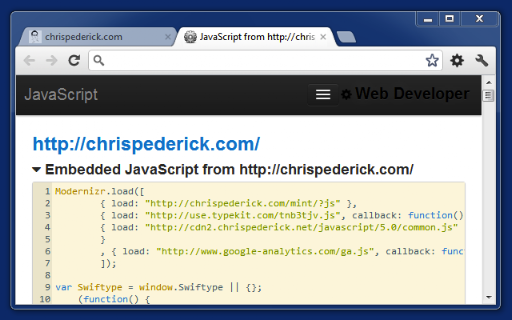
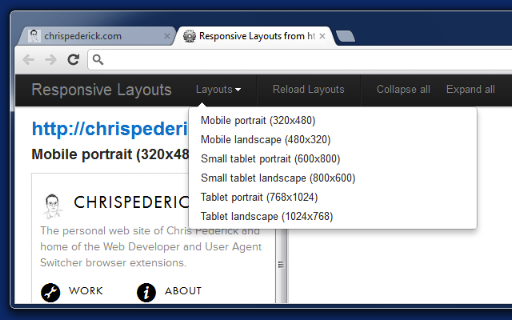
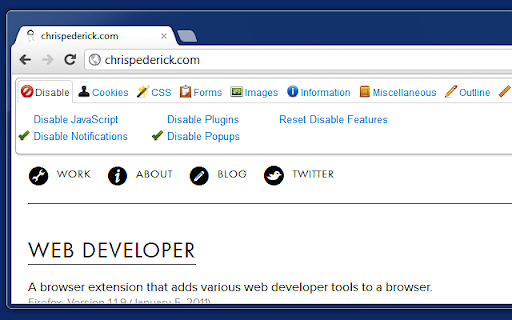
Links
Website: chrispederick.com
Privacy policy: https://chrispederick.com/work/web-developer/help/
Support links: http://chrispederick.com/work/web-developer/help/