

PDF Viewer Chrome Extension Analysis
Automation & Workflow EfficiencyChrome extension ID: jdlkkmamiaikhfampledjnhhkbeifokk
A browser utility designed to display and manipulate PDF documents. It offers tools for highlighting, drawing, and adding text or images, while also supporting offline viewing and text-to-speech functionality.
Overview
Installs
100K+
Rating
★ 4.7
394 reviews
Languages
19 locales
Includes English, English (United States), Filipino, español...
Market analysis
Review-backed positioning, friction, and market signals for this Chrome extension.
Macro category
Automation & Workflow Efficiency
Pricing friction
Low review signal
Complaint intensity
High review signal
Listing positioning
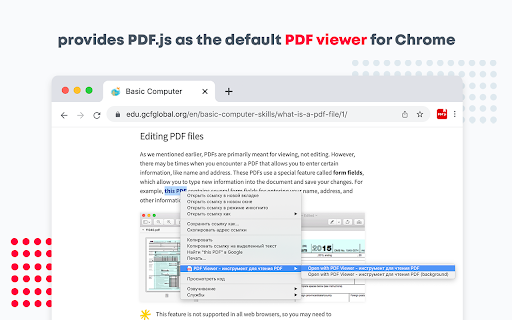
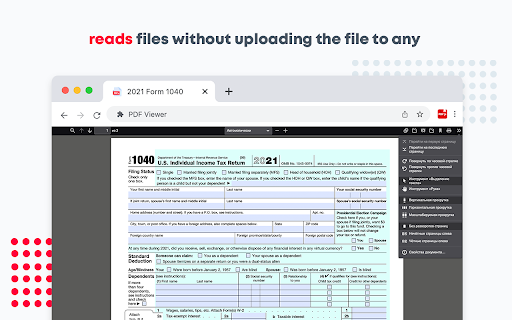
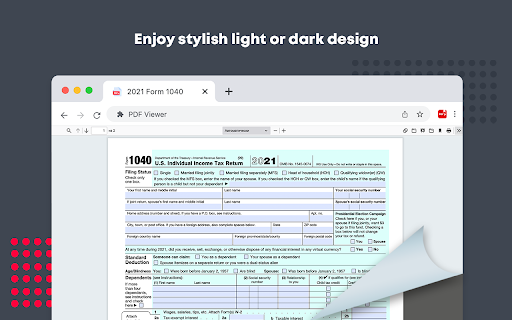
The extension is positioned as a comprehensive HTML5-based tool for viewing, editing, and converting PDF files directly within the Chrome browser. It highlights features such as dark mode, text-to-speech, and annotation capabilities to improve document management workflows.
Inferred product pattern
A PDF utility that claims advanced editing and conversion capabilities but primarily functions as a viewer, with some users reporting security-concerning behavior and redirects.
Review-backed pain points
Users report that the advertised editing and conversion features are absent. Additionally, there are significant reports regarding unexpected redirects, excessive permission requests, and the necessity to download files to view them rather than opening them directly in a tab.
Observed feature gaps
Actual PDF editing and conversion functionalities appear to be missing despite listing claims; the extension lacks the ability to seamlessly replace the default Chrome viewer for web-based links without a download step.
- Office Professionals
- Students
- Remote Workers
- Viewing PDF documents in-browser
- Annotating PDFs with highlights and notes
- Signing documents using drawing tools
- Functional local file viewing
- Discrepancy between claimed and actual features
- Suspicious browser redirects and excessive permissions
- Requirement to download files before viewing
- Performance complaints detected
- Privacy complaints detected
- No direct pricing friction reported; complaints focus on feature availability and perceived false advertising.
Support
No specific support complaints identified in the provided samples.
Reliability
Users noted issues with tab persistence upon browser restart and the inability to replace the default viewer without downloading files.
Privacy
Significant concerns regarding excessive permissions (webRequest, webNavigation) and unauthorized redirects during navigation.
- No clear monetization signal
- No account requirement observed
- Free plan or free usage claimed
Store listing facts
- Screenshots: 3
- Videos: 0
- Languages: 19
- Privacy policy
- Developer contact
- Official website
- Version: 1.0.11
- Size: 2.5MiB
- Last updated:
Listing SEO keywords
Core discovery
Comparison
Problem
Alternative
Similar extensions
Jump to related discovery paths:
FAQ
Screenshots
Links
Website: fastpdfviewer.com
Privacy policy: https://fastpdfviewer.com/privacy-policy.html






