

Scrolling screenshot tool & screen capture Chrome Extension Analysis
Automation & Workflow EfficiencyChrome extension ID: mfpiaehgjbbfednooihadalhehabhcjo
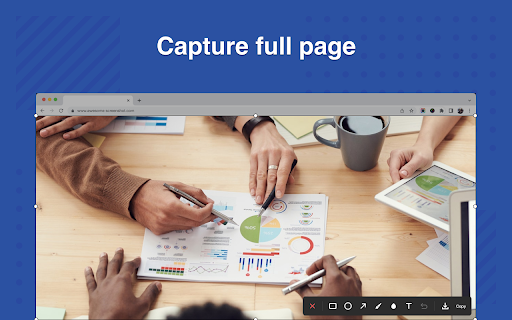
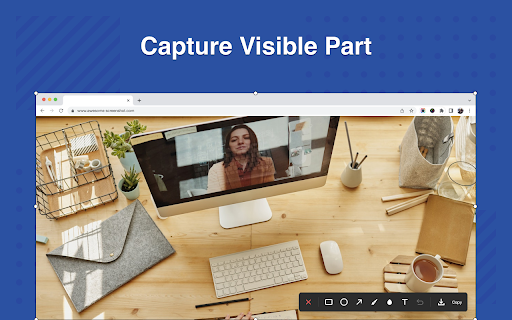
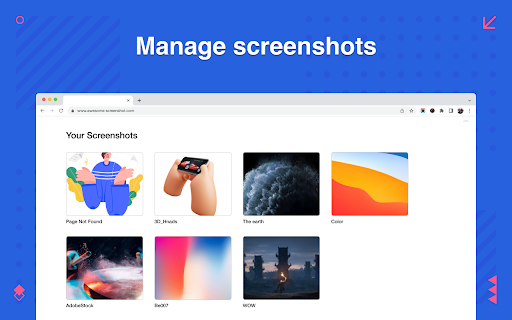
A screen capture utility that allows users to snap visible areas, selected portions, or entire scrolling pages within Chrome. It includes built-in annotation tools for adding shapes, text, blurs, and highlights to images. Captured screenshots can be directly copied to the clipboard or downloaded in PNG or PDF formats.
Overview
Installs
400K+
Rating
★ 4.3
2,287 reviews
Languages
54 locales
Includes Deutsch, English, English (United Kingdom), English (United States)...
Market analysis
Review-backed positioning, friction, and market signals for this Chrome extension.
Macro category
Automation & Workflow Efficiency
Pricing friction
Low review signal
Complaint intensity
High review signal
Listing positioning
The extension positions itself as a lightweight, quick-to-use version of the popular Awesome Screenshot tool. It highlights over a decade of stable service and promises a fast, ad-free, and privacy-respecting user experience. The listing focuses heavily on providing quick options to capture, annotate, and share web images to streamline reporting and tutorial creation.
Inferred product pattern
A free utility tool that acts as a lightweight entry point to direct traffic toward a larger, premium parent platform.
Review-backed pain points
The most severe pain point is that the scrolling screenshot feature often fails to scroll, acting like a standard static screenshot tool for several users. Additionally, users are highly frustrated by a recent update that stamps a 'save' watermark on final images and intermittent hotkey unresponsiveness.
Observed feature gaps
Users note that there is no option to choose a custom save path within Chrome, forcing all files into the default Downloads directory. There is also a lack of support for dynamically overlapping web layouts (like sticky headers on Twitter) which ruins scrolling capture alignment.
- Technical support agents
- Software developers and educators
- General web researchers
- Documenting technical issues and software bugs
- Creating step-by-step visual tutorials and guides
- Capturing complete web content like long receipts or chat logs for AI analysis
- Successfully capturing long pages that built-in browser tools miss
- High ease-of-use and speed during crop-and-paste tasks
- Seamless visual sharing with AI tools
- Complete failure to scroll on certain web pages
- Layout-rendering bugs on infinite-scroll platforms like Twitter
- Unresponsive hotkeys and page-load freezes during capture
- A recently introduced bug where a 'save' watermark overlaps final images
- Performance complaints detected
- No pricing complaints or hidden paywalls were mentioned in the user reviews. The tool is currently utilized as a fully free extension.
Support
No customer support or account blocking complaints were observed in the reviewed samples.
Reliability
Users report occasional freezing during full-page loading, hotkeys that fail to trigger, and a visual bug where the word 'save' gets rendered directly onto the downloaded screenshot.
Privacy
No privacy or data security complaints were reported in the user reviews.
- Free usage observed
- No account requirement observed
- Free plan or free usage claimed
Store listing facts
- Screenshots: 4
- Videos: 0
- Languages: 54
- Privacy policy
- Developer contact
- Official website
- Version: 2.0.5
- Size: 5.72MiB
- Last updated:
Listing SEO keywords
Core discovery
Comparison
Problem
Alternative
Similar extensions
Jump to related discovery paths:
FAQ
Screenshots

Links
Website: awesomescreenshot.com
Privacy policy: https://www.awesomescreenshot.com/privacy/








