

Адаптер Рутокен Коннект Chrome Extension Analysis
Automation & Workflow EfficiencyChrome extension ID: acbchkahfmndkenefkcklofjmipghjjp
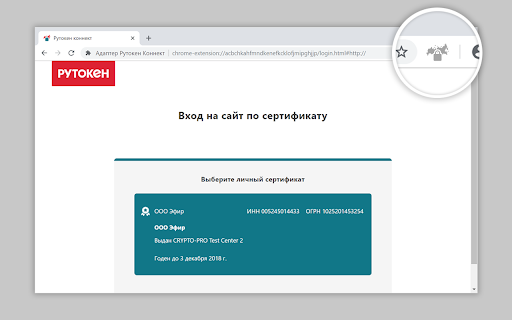
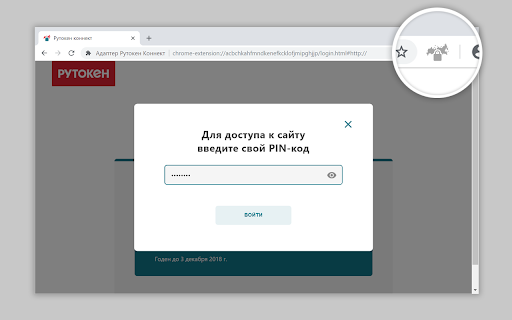
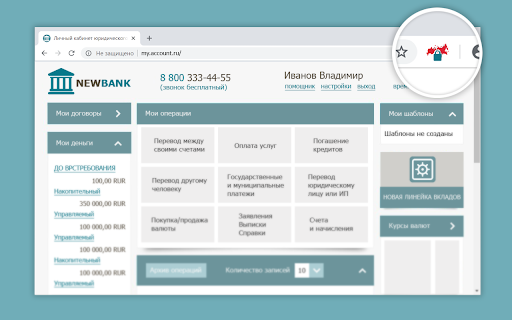
This Chrome extension facilitates secure TLS connections to websites using GOST encryption algorithms. It leverages digital certificates and keys stored on Rutoken EDS devices for authentication. The extension is designed to work across Windows, macOS, and Linux operating systems and requires a separate application to be installed on the user's machine.
Overview
Installs
1.0M+
Rating
★ 1.6
181 reviews
Languages
1 locales
Includes русский
Market analysis
Review-backed positioning, friction, and market signals for this Chrome extension.
Macro category
Automation & Workflow Efficiency
Pricing friction
Low review signal
Complaint intensity
High review signal
Listing positioning
The store listing positions this extension as a tool for creating secure GOST-algorithm connections with websites using TLS mutual authentication via Rutoken EDS devices. It emphasizes compatibility with Windows, macOS, and Linux, and notes the requirement of a separate program installation for full functionality.
Inferred product pattern
A browser extension designed to enable secure digital signature operations using specific hardware tokens and cryptographic standards, often requiring a companion desktop application and specific browser environments.
Review-backed pain points
Users report spending hours troubleshooting and attempting to configure the extension to work. Many express frustration with its inconsistency across browsers (e.g., not working in Chrome, prompting for Chrome in Yandex) and the perceived complexity that makes it inaccessible for average users and small businesses.
Observed feature gaps
While the listing describes the core functionality, reviews suggest a significant gap in user-friendliness and a lack of straightforward integration with commonly used browsers. Users indicate a need for easier setup and more reliable performance out-of-the-box.
- Users requiring government-level digital signature compliance
- Individuals and businesses submitting tax or regulatory declarations
- Users of Rutoken EDS hardware security tokens
- Securely accessing government portals for submissions
- Enabling TLS mutual authentication with digital certificates
- Using Rutoken devices for cryptographic operations in the browser
No positive theme data.
- Extreme difficulty in setup and configuration
- Inconsistent functionality across different browsers
- Product does not work as expected despite following instructions
- Requirement for specific, non-standard browser configurations
- Time-consuming troubleshooting process
- Performance complaints detected
- The extension itself appears to be free, but users express frustration with the significant time investment and complex setup required, which acts as a de facto barrier.
Support
No specific support complaints were found, but the overwhelming negative feedback suggests a lack of effective guidance or troubleshooting resources that resolve user issues.
Reliability
Users frequently report that the extension does not work, is unreliable, and requires constant reinstallation or complex workarounds to achieve basic functionality. Performance is a major issue with many users unable to complete their tasks.
Privacy
No privacy complaints were observed.
- No clear monetization signal
- No clear access signal
- Free plan or free usage claimed
Store listing facts
- Screenshots: 3
- Videos: 0
- Languages: 1
- Developer contact
- Official website
- Support link
- Version: 6.2.3
- Size: 1.34MiB
- Last updated:
Listing SEO keywords
Core discovery
Comparison
Problem
Alternative
Similar extensions
Jump to related discovery paths:
FAQ
Screenshots
Links
Website: rutoken.ru
Support links: https://www.rutoken.ru/support/feedback/


