

Send Anywhere For Gmail Chrome Extension Analysis
Automation & Workflow EfficiencyChrome extension ID: amjmjholfoknokffkiolahocokcaecnc
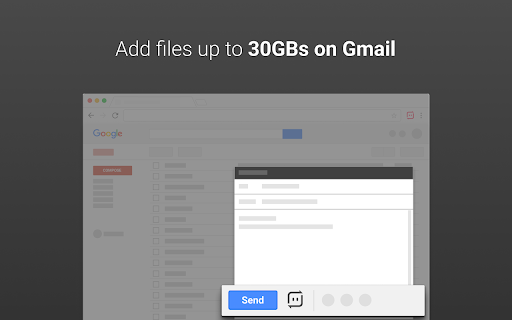
Send Anywhere For Gmail is a productivity extension that integrates file transfer capabilities directly into the Gmail interface. It enables users to share large files, PDFs, and images using customizable, secure links.
Overview
Installs
100K+
Rating
★ 4.1
235 reviews
Languages
3 locales
Includes English, 日本語, 한국어
Market analysis
Review-backed positioning, friction, and market signals for this Chrome extension.
Macro category
Automation & Workflow Efficiency
Pricing friction
High review signal
Complaint intensity
High review signal
Listing positioning
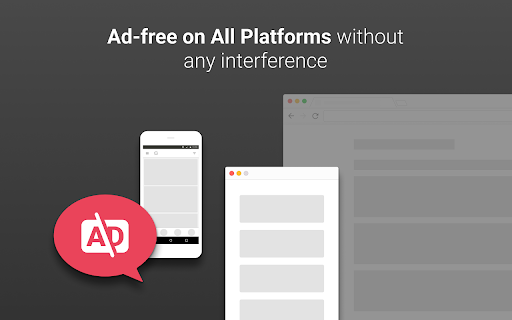
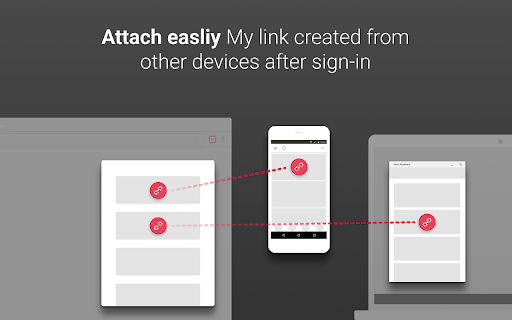
The extension positions itself as a solution for bypassing Gmail's file size limits by allowing users to attach large files through Send Anywhere's infrastructure. It highlights an ad-free experience, powerful link customization, and cross-platform synchronization for subscribers.
Inferred product pattern
A previously simple file-sharing utility that has transitioned into a subscription-based Gmail integration, leading to user friction due to broken authentication and loss of core transfer features.
Review-backed pain points
Users report severe frustration with a broken login process that prevents them from using the extension, alongside the removal of the intuitive 6-digit key transfer method in favor of a more complex link-based system.
Observed feature gaps
The extension appears to lack the seamless direct-to-native-app transfer (via 6-digit keys) found in the standalone app, and users report difficulties in device synchronization.
- Gmail users
- Frequent file sharers
- Cross-platform mobile and desktop users
- Attaching large files to Gmail messages
- Sharing PDFs directly from a browser viewer
- Managing file download limits and expiration dates via links
- No positive themes identified in the provided review samples
- Broken authentication and login workflows
- Loss of core '6-digit key' transfer functionality
- Difficulty syncing accounts across mobile and desktop
- Increased complexity and friction compared to previous versions
- Payment required for meaningful usage
- Free-tier complaints detected
- Account blocking complaints detected
- Users express significant dissatisfaction with the transition from a simple utility to a subscription-based service that requires mandatory and often failing login procedures.
Support
Complaints center on account access issues, where users are unable to log in or are incorrectly told their email addresses are not registered.
Reliability
The extension suffers from critical reliability issues regarding the authentication flow, rendering the tool unusable for many.
Privacy
No privacy complaints observed in the provided samples.
- Subscription model observed
- Login needed for core features
- No clear pricing signal
Store listing facts
- Screenshots: 4
- Videos: 0
- Languages: 3
- Privacy policy
- Developer contact
- Official website
- Support link
- Version: 24.1.0
- Size: 3.5MiB
- Last updated:
Listing SEO keywords
Core discovery
Comparison
Problem
Alternative
Similar extensions
Jump to related discovery paths:
FAQ
Screenshots

Links
Website: send-anywhere.com
Privacy policy: https://send-anywhere.com/terms
Support links: https://support.send-anywhere.com/hc/


