Sound Booster Chrome Extension Analysis
Automation & Workflow EfficiencyStore listing title: Sound Booster - increase volume up
Chrome extension ID: nmigaijibiabddkkmjhlehchpmgbokfj
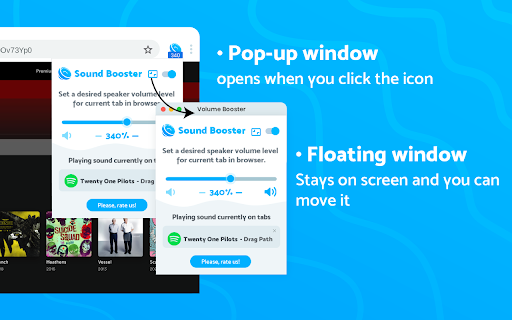
Sound Booster is a browser-based utility that allows users to independently adjust the audio volume and frequency settings for specific browser tabs. It offers a graphical interface for real-time sound manipulation and claims to enhance audio output for various streaming services.
Overview
Installs
2.0M+
Rating
★ 4.5
13,643 reviews
Languages
19 locales
Includes Deutsch, English, English (United States), Nederlands...
Market analysis
Review-backed positioning, friction, and market signals for this Chrome extension.
Macro category
Automation & Workflow Efficiency
Pricing friction
Low review signal
Complaint intensity
Moderate review signal
Listing positioning
The extension positions itself as an all-in-one audio management tool capable of increasing system volume by up to 600%. It markets features such as individual tab volume control, bass boosting, and a customizable equalizer to improve sound quality across media platforms.
Inferred product pattern
Free utility extension providing browser-level audio gain and equalizer functionality.
Review-backed pain points
Users frequently report audio cracking/distortion at high levels, the annoyance of having to re-configure volume per tab, and dangerous, unpredictable volume jumps that can harm hearing or hardware.
Observed feature gaps
Lack of global volume persistence (requires per-tab configuration), absence of automated normalization/dynamic range compression, and issues with fullscreen video playback compatibility.
- Browser-based media consumers
- Users with low-output hardware
- Users watching videos with inconsistent audio levels
- Increasing volume beyond system maximums
- Adjusting audio levels per browser tab
- Enhancing bass and frequency balance for music
- Effective for quick volume amplification
- User-friendly interface for casual listeners
- Long-term reliability for many users
- Audio distortion at high amplification levels
- Inconsistent effectiveness across different hardware
- Lack of global/default volume settings
- Sudden volume spikes causing ear discomfort
- Intermittent failure to detect or boost audio
- Performance complaints detected
- No specific pricing friction reported; appears to be free with no clear payment gate observed in reviews.
Support
No direct support complaints identified, though users express frustration with feature functionality.
Reliability
High reporting of audio distortion (cracking) at high percentages, unpredictable volume jumps, and failure to apply settings consistently to all tabs.
Privacy
Users expressed slight concern regarding the permission requirement to access all website data, but no data harvesting complaints were noted.
- Free usage observed
- No account requirement observed
- Free plan or free usage claimed
Store listing facts
- Screenshots: 5
- Videos: 0
- Languages: 19
- Privacy policy
- Developer contact
- Official website
- Version: 1.0.11
- Size: 374KiB
- Last updated:
Listing SEO keywords
Core discovery
Comparison
Problem
Alternative
Similar extensions
Jump to related discovery paths:
FAQ
Screenshots
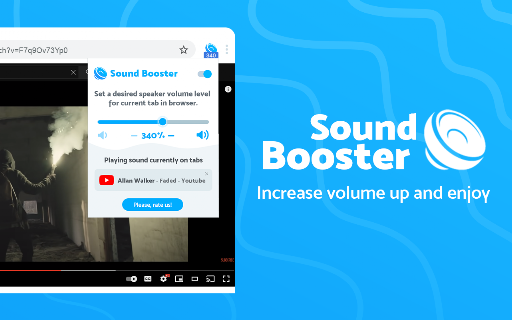
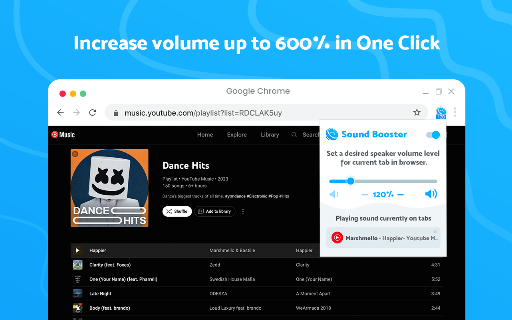
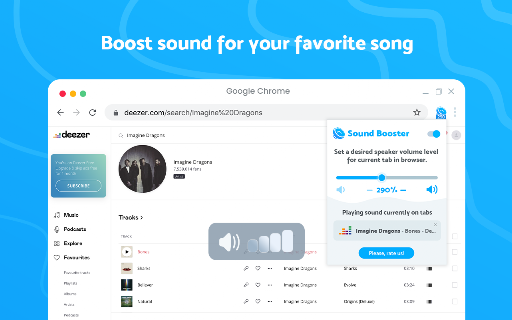
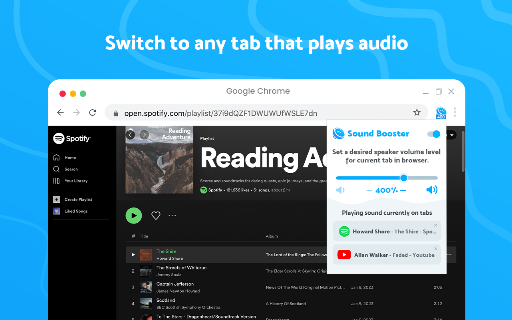
Links
Website: sound-ultimate.com
Privacy policy: https://sound-ultimate.com/privacy.html