

OneNote Web Clipper Chrome Extension Analysis
Tab & Bookmark ProductivityChrome extension ID: gojbdfnpnhogfdgjbigejoaolejmgdhk
This browser extension allows users to save web page selections, images, and videos into their OneNote notebooks. It acts as a bridge between the browser and the OneNote ecosystem, designed to help users aggregate information for projects, travel, or general research.
Overview
Installs
800K+
Rating
★ 4.8
68,504 reviews
Languages
54 locales
Includes Deutsch, English, English (United Kingdom), English (United States)...
Market analysis
Review-backed positioning, friction, and market signals for this Chrome extension.
Macro category
Tab & Bookmark Productivity
Pricing friction
Low review signal
Complaint intensity
High review signal
Listing positioning
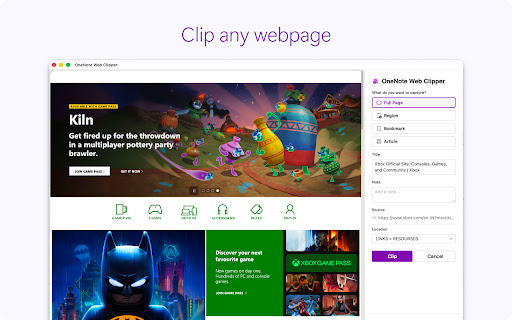
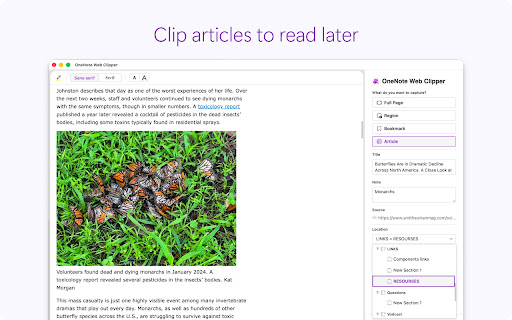
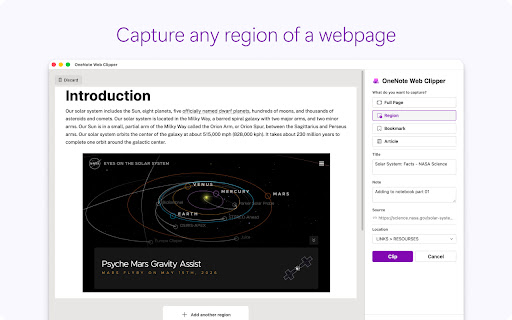
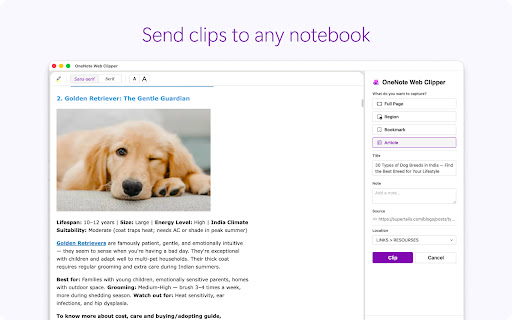
The OneNote Web Clipper positions itself as an essential productivity tool for capturing web content, including full pages, articles, and PDFs, directly into Microsoft OneNote. It emphasizes cross-device synchronization, offline access, and clutter-free clipping to streamline research and organization.
Inferred product pattern
Legacy enterprise utility suffering from technical debt and maintenance neglect.
Review-backed pain points
Users report severe frustration with persistent login loops, broken authentication protocols, and the extension failing to initialize after browser restarts or updates.
Observed feature gaps
Lack of custom naming conventions for clips, inability to configure default open behavior (app vs. web), and performance issues with large-scale full-page captures.
- Researchers
- Students
- Project Managers
- Knowledge Workers
- Clipping articles without ads
- Saving web content for offline reading
- Organizing research material
- Capturing visual bookmarks
- High historical utility
- Seamless integration with Microsoft ecosystem
- Effective cross-device syncing
- Persistent authentication/login loops
- Extension instability following browser updates
- Inconsistent performance across different platforms
- Lack of active maintenance
- Account blocking complaints detected
- Performance complaints detected
- No direct payment friction as the tool is free, but account-related access issues create significant functional friction.
Support
Users express frustration regarding perceived abandonment by the developer and lack of permanent fixes for recurring bugs.
Reliability
High incidence of reliability complaints; users frequently experience broken login flows and instability, often requiring repeated re-installation.
Privacy
No significant privacy complaints identified in the provided review set.
- Free usage observed
- Account required for core usage
- Free plan or free usage claimed
Store listing facts
- Screenshots: 4
- Videos: 0
- Languages: 54
- Privacy policy
- Developer contact
- Official website
- Support link
- Version: 3.11.1
- Size: 1.96MiB
- Last updated:
Listing SEO keywords
Core discovery
Comparison
Problem
Alternative
Similar extensions
Jump to related discovery paths:
FAQ
Screenshots
Links
Website: onenote.com
Privacy policy: http://aka.ms/privacy
Support links: http://answers.microsoft.com/en-us/office/forum/office_onenote-onenote_clipper-wabrowser_chrome





