

Screencastify Chrome Extension Analysis
Automation & Workflow EfficiencyStore listing title: Screencastify - Screen Video Recorder
Chrome extension ID: mmeijimgabbpbgpdklnllpncmdofkcpn
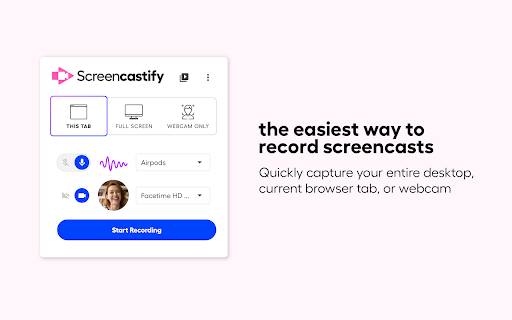
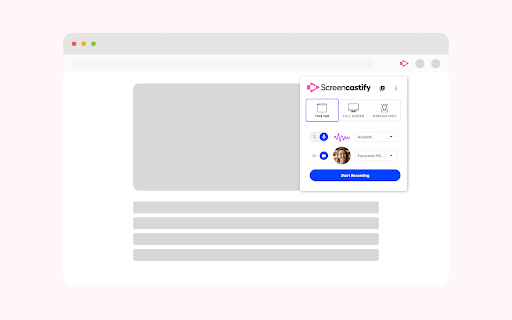
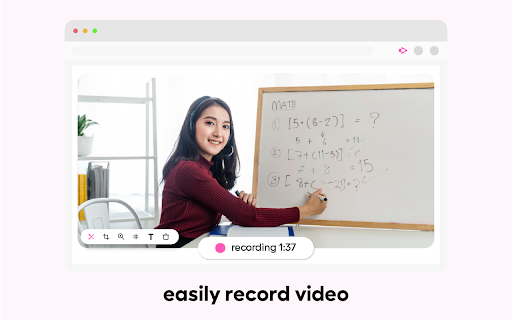
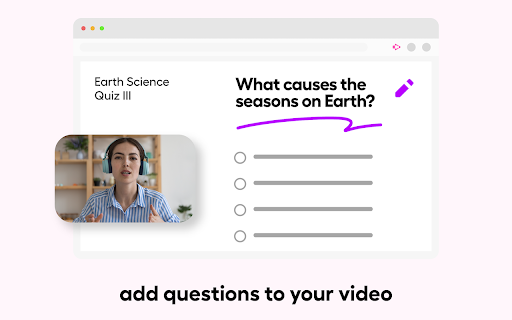
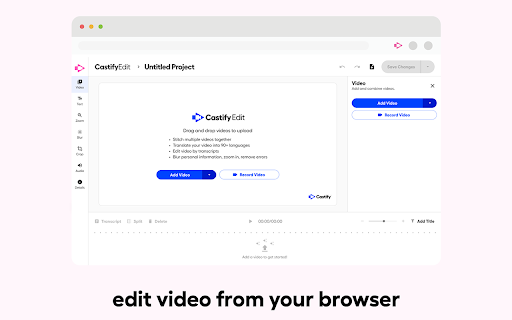
Screencastify is a Chrome browser extension that allows users to record their desktop, browser tab, or webcam. It includes built-in editing tools for trimming, merging, and annotating videos. The platform facilitates sharing videos via direct links, Google Drive, or Google Classroom, and offers features for adding interactive questions to videos and requesting video submissions.
Overview
Installs
5.0M+
Rating
★ 3.9
11,745 reviews
Languages
1 locales
Includes English
Market analysis
Review-backed positioning, friction, and market signals for this Chrome extension.
Macro category
Automation & Workflow Efficiency
Pricing friction
Moderate review signal
Complaint intensity
High review signal
Listing positioning
Screencastify is positioned as Chrome's simplest free screen recorder and interactive video platform, designed to empower users to become better communicators through quick video creation, editing, and sharing. It emphasizes ease of use for educators, professionals, and everyday creators.
Inferred product pattern
Freemium screen recording tool with editing and sharing capabilities, requiring account creation and Google Drive access, with tiered pricing for unlimited use.
Review-backed pain points
Users report significant issues with the app not working, buggy behavior, and inability to download videos. Some users describe the app as a scam, with money taken and features not activated, and express frustration with refund policies. There are also complaints about manipulative techniques for collecting personal data and excessive drive permissions.
Observed feature gaps
Users are unable to download recorded videos, and previews from previous years are not loading. The application sometimes fails to launch when the icon is clicked.
- Educators
- Professionals
- Content Creators
- Students
- Creating instructional videos
- Async communication
- Video assessments
- Training and onboarding
- Sharing ideas through video
- Simple and effective for quick screen recordings.
- Buggy and not working as expected
- App is a scam, money taken with no activation
- Limited free tier and increasing prices/reducing limits for paid users
- Privacy concerns regarding data collection and drive access
- Unable to download recorded videos
- Videos not loading or preview not available
- Icon click does not initiate the application
- Free-tier complaints detected
- Refund complaints detected
- Performance complaints detected
- Privacy complaints detected
- Users complain about increasing prices and reduced limits for paid plans, with significant cost increases required to access previously available features or longer video limits. Some users feel they are paying double for less functionality than before.
Support
Users report issues with the app not working and a lack of refunds when money is taken without activation of features. One review specifically calls out the app as a scam regarding refunds.
Reliability
Multiple users report the app not working, being buggy, and videos not loading or failing to record properly. Some users experience issues with the application failing to launch.
Privacy
Concerns are raised about manipulative techniques for collecting personal data, including access to email addresses and other personal information via Google Drive permissions, which users perceive as a major red flag.
- Free entry with paid features
- Account required for core usage
- Limited free usage observed
Store listing facts
- Screenshots: 5
- Videos: 0
- Languages: 1
- Privacy policy
- Developer contact
- Official website
- Version: 4.24.1 (89704c90-1))
- Size: 62.54MiB
- Last updated:
Listing SEO keywords
Core discovery
Comparison
Problem
Alternative
Similar extensions
Jump to related discovery paths:
FAQ
Screenshots
Links
Website: screencastify.com
Privacy policy: https://www.screencastify.com/privacy/policy







